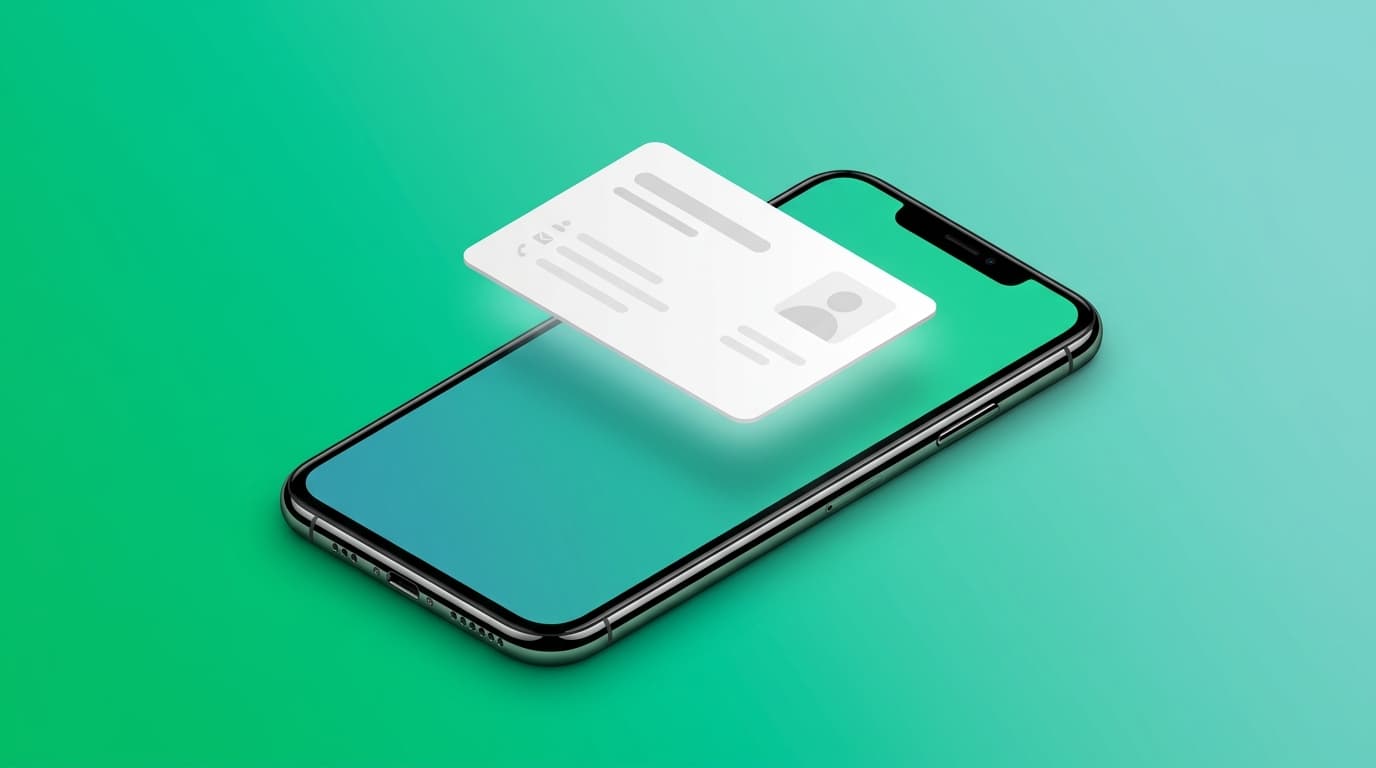

A digital business card is a shareable online version of contact details, links, and professional identity, frequently used by Enterprise teams and professionals. Someone opens it through a QR code or a web link, then saves your information straight to their phone. You never run out of copies, you update it anytime, and the person you met keeps a card that stays current instead of one that goes stale in a drawer.
This guide covers what a digital business card is, how it works, how to create and share one, and how to manage it so it keeps working long after you hand it over. It also shows where a card stops being enough, and what a real networking tool does next.

What a digital business card actually is
Think of the paper card you already know. It carries your name, title, company, phone and email on a small rectangle. A digital business card carries the same identity, but it lives on your phone and opens on someone else's phone in seconds. Instead of printing a batch and hoping you have one on you, you share a link or show a code.
The difference that matters is not the format. It is what the card can do once it is digital. A paper card is fixed the moment it is printed. A digital card can change, link out to your work, and tell you whether anyone looked at it.
A good digital card does three jobs. It presents who you are. It hands that information to another person without friction. And it stays useful after the meeting, because it can be updated, saved, and acted on.
How digital business cards work
The mechanics are simpler than most people expect. There are three moments: you build the card, you share it, and the other person receives it.
You build the card once, inside a digital business card app or a web tool. You add your details, choose what to show, and design how it looks.
You share it the moment you meet someone. The most common method is a QR code, which effectively makes your profile a QR code business card, and there is a full walkthrough in the guide on how to share a digital business card with a QR code. You show the code on your screen, the other person points their camera at it, and your card opens on their phone. No app required on their side to view it. You can also send the card as a web link by message or email, which works well before a meeting or as a follow-up after one.
The other person receives it and decides what to do. If they use the same app, the card saves into their contact wallet and stays linked to your live profile. If they do not, they can still save it, usually as an image or straight into their phone contacts. The point is that receiving a card should never require the other person to install anything first.
How to create a digital business card
Creating one takes a few minutes. Here is the order that works.
Start with the essentials. Your name, your title, your company, and one reliable way to reach you. This is the part a person needs within the first two seconds of opening your card, so keep it clean.
Add your links next. A digital card earns its value from what it connects to: your website, your booking link, your portfolio, your professional profiles. Add the ones that match your goal, and leave off the ones that do not.
Design the card so it looks like you. Good digital business card design is not decoration, it is what makes the card recognizable. Colours, layout, and where each piece of information sits. A card that matches your brand or your personality gets remembered. A generic template does not.
Decide what stays private. You control which fields are visible. A quick card for a stranger at an event can show less than the full profile you send a potential client. Good tools let you choose per card.
When you are ready to build your own, you can create your Cardixx digital business card in a few minutes. Cardixx gives you a front and back you design separately, so one side can carry your core identity and the other can carry extra detail, a message, or a QR code. Most competitors give you a single vertical profile. A front and back card behaves more like the physical card people already understand, which makes it easier to read and to remember.
How to share a digital business card
Sharing is where a digital card beats paper every time. You have more than one way to do it, and each fits a different moment.
Face to face, use the QR code. You show it, they scan it, done. This is the fastest exchange in professional networking, and it works even when one of you has no cards on them.
Before or after a meeting, send the web link. Drop it into an email, a message, or a calendar invite. The person can open your card, see your work, and book time with you before you are even in the same room.
When you want the card saved into a real contact system, the best digital business card app options are the ones that keep it as a live record rather than a flat image. A saved image goes out of date the moment you change jobs. A live card updates itself.
One quiet advantage: because the card is digital, you can update your title, number, or design without reprinting or re-sending anything. Everyone who opens your live card, or scans your digital business card QR code, sees the current version.
Feature / Dimension | QR-Based Digital Business Card (e.g., Cardixx vs. Popl, Blinq) | Physical NFC Business Card |
Primary Exchange Method | Displaying a QR code on a screen or sending a web link | Tapping a physical card, tag, or band against a smartphone |
Hardware & Stock Required | None; lives completely on your smartphone or web browser | Requires purchasing, carrying, and maintaining a physical card |
Upfront & Ongoing Cost | Zero setup cost; free tiers available with instant updates | Upfront physical card purchase plus reorder costs if physical design changes |
Device & Camera Compatibility | 100% universal (Works with standard camera on iOS/Android) | Compatible with most modern phones; older devices may lack active NFC support |
Remote Sharing Capabilities | Shared via email, social bios, calendar invites, or direct link | Requires face-to-face physical proximity for the chip tap to work |
Maintenance & Replacement | Always on your phone; impossible to forget or run out of stock | Can be misplaced, damaged, left behind, or run out of inventory |
How to manage your card after you share it
This is the part most people miss, and it is where a smart digital business card quietly pays off.
Keep it current. When your role, company, or focus changes, update the card once. Every future person who opens it sees the new version, and so does everyone who saved the live version earlier.
Watch what happens to it. Better tools show you analytics: how many people viewed your card, how many were unique, which links they clicked, and where they were. For teams, the card can be used with a CRM so it can be added into Salesforce or HubSpot. This turns networking from guesswork into something you can actually read. If your card gets fifty views after a conference and most clicks land on your booking link, you know the event was worth it, and you know what people wanted from you.

Save the people you meet with context. A card exchange is only useful if you remember who the person was and why you spoke. Strong tools save the contact along with where and when you met, so a name three weeks later still means something.
Digital business card versus paper: what actually changes
Paper still does a few things well, and so does an NFC business card you tap against a phone. Even the best NFC business cards need no battery; they work anywhere, and handing one over is a familiar gesture. For some settings, that is enough.
Where paper falls short is everything after the handover. It cannot update. It cannot link to your work. It cannot tell you if the person ever looked at it. And you have to keep buying and carrying it.
A digital card fixes each of those, and adds the ability to be found, saved, and measured. For most professionals who meet people regularly, that is the trade worth making. This is a short summary, and there is a fuller side-by-side in the digital business card versus paper business card comparison.
Feature / Capability | Paper Business Card | NFC Business Card | Live Digital Business Card (e.g., Cardixx) |
Primary Sharing Method | Physical handoff | Physical tap against phone | QR code scan, web link, or venue check-in |
Recipient App Required? | No | No | No (opens directly in any mobile web browser) |
Information Updates | Static (requires reprinting on role/number change) | Hardware is fixed; relies on external link status | Live updates (edits instantly reflect for past & future contacts) |
Rich Media & Links | Limited to printed text and static graphics | Redirects to a single landing page or vCard file | Interactive links (portfolios, booking calendars, social profiles, dual-sided layout) |
Analytics & Metrics | None | Basic tap tracking (if linked to an analytical URL) | Full visibility (total views, unique visitors, link clicks, geographic data) |
Post-Exchange Value | Manual contact entry; easily lost or discarded | Passive contact save | Saves meeting time/location context; enables nearby professional discovery & check-ins |
Supply & Availability | Limited by physical stock carried | Requires carrying physical hardware | Always accessible on your phone; unlimited shares |
Where a digital business card stops being enough
Here is the honest limit. A digital business card, on its own, still waits for two people to already be standing next to each other. It makes the exchange faster and smarter, but it does not help you find the right person in the first place.
That is the gap Cardixx is built to close, and the reasoning behind it is set out in why a digital business card alone is not enough for better networking. The card is the entry point, not the whole product.
After you create your card, you can check in at a venue, a coworking space, or one of the networking events, trade shows, and conferences you attend, which makes you visible to other professionals who are there to network. Whether at a coworking space or business networking events, you can discover people nearby and filter them by profession, interests, or what they are looking for. You can send a connection request, chat, and then meet in person and exchange cards. Afterwards, the conversation and the contact stay with you, and your analytics show you what your networking is actually producing.
So the card gets you in the door. The check-in, the discovery and the follow-up are what turn a contact into a relationship. Freelancers weighing this up can also read the focused guide on digital business cards for freelancers.

Frequently asked questions
How do digital business cards work without an app?
Yes, for the person receiving one. They can open your card from a QR code or link in their browser and save it without installing anything. You need an app or web tool to build and manage your own card.
Are digital business cards free?
Many offer a free digital business card option or a free digital business card app to create and share a card, and some even market a dedicated free digital business card maker. Check what the free version includes before you choose, since features like analytics, multiple cards or a personal page can vary between tools.
Can I put a digital business card on my phone?
Yes. An iPhone digital business card works exactly this way: your card lives on your phone and you share it from there by QR code or link. You can keep it ready to open in a couple of taps and also save your business card to Apple Wallet or Google Wallet.
What happens to a digital card when I change jobs?
You update it once. Everyone who opens your live card sees the new details, which is the main advantage over reprinting paper.
Is a digital business card safe to share?
You control what information the card shows. Share the essentials with a stranger and a fuller profile with a trusted contact. Safety comes from choosing what is visible, which a good tool lets you set per card. Providers that are fully GDPR compliant with EU-hosted data are important for European companies.
Ready to start? Create your Cardixx digital business card and turn contacts into real professional relationships.
Written by Cihan Yasa, M.Sc., EMBA